
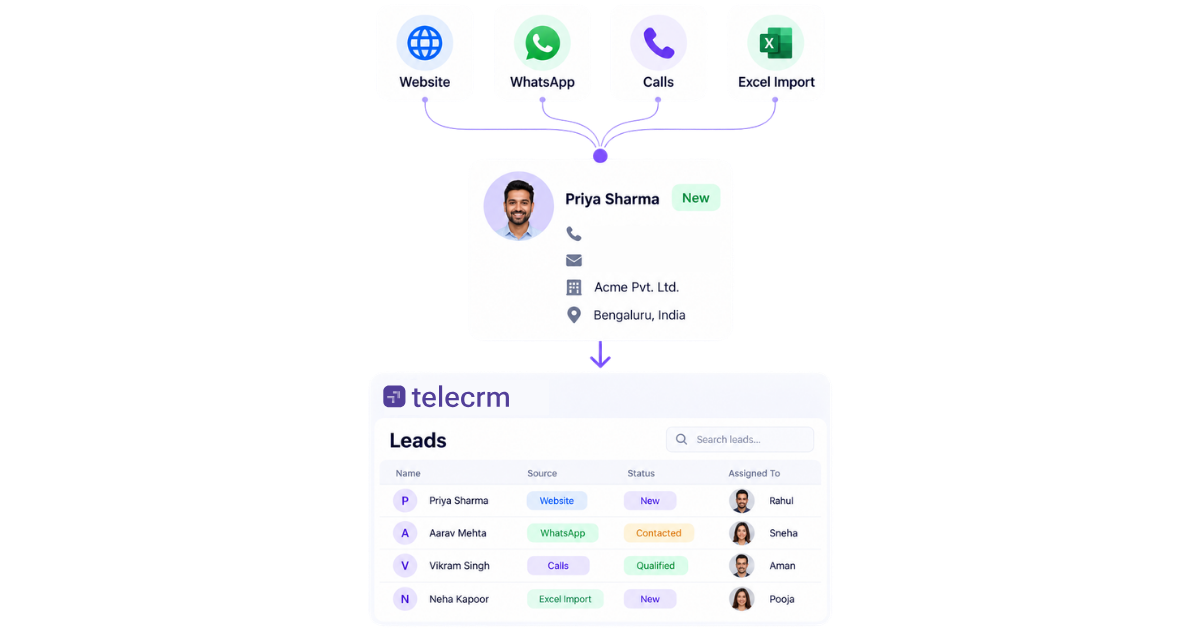
Lead capture is the process of collecting contact details that prospective customers willingly provide in exchange for a product, service or piece of content that addresses their needs.
Every single day, potential buyers land on your website, browse your offers and read your content. But without a clear way to capture their information, up to 98% of those visitors will leave and never return.
Lead capture turns those anonymous, one-time visitors into identified prospects you can actually build a relationship with. Instead of relying on luck and hoping visitors remember your brand, you gain a direct line of communication to guide them from curious readers to loyal, paying customers.
In this guide, we will break down how modern lead capture works, the best strategies for offering value and how to build a system that turns casual traffic into predictable growth.
To really understand lead capture, you have to look past modern software and see what it truly is: a fair trade. Long before the internet, Google Ads or online tracking existed, businesses relied on this exact same deal — your contact information in exchange for something useful. In the 1870s, mail-order pioneer Aaron Montgomery Ward put paper reply cards in his catalogues, offering price lists in exchange for a farmer’s name and address. The technology has evolved, but the underlying process hasn’t changed at all.
It is also important to know that asking for too much information creates friction. Every extra detail you request — whether an email, phone number or job title — makes people hesitate. High-performing lead capture works because the value of what you offer far outweighs that hesitation, making the swap feel easy and worthwhile to the prospect. Treat this process as an authentic human exchange rather than a digital form field.
Remember, it is not just about grabbing data; it is about getting explicit permission to keep the conversation going.
It is easy to lump all lead-related terminology together. However, confusing these concepts causes marketing teams and sales reps to misalign their goals, mess up pipeline management and invest in the wrong software. Here is how these core terms actually differ:
Term | What it means | Core focus |
Lead generation | Attracting potential customers and creating interest through channels such as ads, SEO, social media, referrals or events. | Top-of-funnel awareness and driving traffic. |
Lead capture | Collecting information from an interested prospect so the business can identify and follow up with them. | Converting anonymous visitors into known contacts. |
Manual lead capture | Entering or importing lead details manually, for example by adding a lead to a CRM or uploading a spreadsheet. | Human-driven data entry (slower, prone to errors). |
Automated lead capture | Automatically creating a lead when an enquiry comes in through a connected source such as a website form, ad, chatbot or integration. | Instant CRM sync and real-time lead routing. |
Lead collection | A broad term for gathering lead information. It is often used as a synonym for lead capture. | Catch-all phrase for data gathering. |
Lead acquisition | The wider process of gaining new potential customers, which can include both generating and capturing leads. | The end-to-end strategy of gaining new prospects. |
Lead retrieval | Collecting or transferring lead details that have already been gathered, commonly used in events, exhibition and trade shows. | Scanning badges or exporting event databases. |
Lead management | Everything that happens after a lead is captured, including assignment, qualification, follow-up, tracking and conversion. | Post-capture sales pipeline workflow. |
At its heart, lead capture is a simple four-step chain reaction. It turns a total stranger into a known prospect through a smooth, automated process, but effective results depend on the right capture strategies working across multiple channels, not just one form or page.
It all starts with a clear reason for the visitor to pause and take action. This is usually called a lead magnet, often in the form of valuable content such as a free downloadable guide, gated content, a report, a training resource, a 10% discount code, a free product trial or a quick consultation. If your offer doesn’t solve a real problem for the visitor, they won’t share their details.
When visitors decide they want your offer, they enter their information into a broader lead capture form or other capture forms. This could be a basic form on a landing page, a pop-up window or a live chat prompt. To keep things easy, high-converting forms balance the trade off between collecting more qualification data and protecting conversions and they often reduce friction with multi-step forms or form shortening by only asking for what is strictly necessary, like a first name and email address.
The second the visitor clicks “Submit,” your lead capture software handles the heavy lifting behind the scenes. It uses form submissions to automatically create a new contact profile in your database or CRM (Customer Relationship Management) system. The software can then route leads automatically to the right rep or team based on rules like company size or location.
Finally, your system delivers the promised reward right away, like sending the free download link straight to the prospect’s inbox. At the same time, it kicks off your follow-up plan, whether that means starting an automated email series or having a sales rep pick up the phone to schedule a chat.
The exact details you need to collect depend on your business, but the rule of thumb is simple: only ask for information you plan to use immediately. The number of form fields affects both conversion rate and lead quality, so every extra field should earn its place. Every extra field you add to a form creates friction and lowers your conversion rate.
Here is a breakdown of what to collect at each stage of your sales funnel:
These essential fields let you identify and reach out to the prospect
If you sell to other businesses (B2B), these fields help your team quickly identify qualified leads so they don’t waste time on poor-fit prospects.
These fields show how urgently the prospect needs a solution, helping your sales reps prioritise who to contact first.
Different visitors prefer different lead capture tools for sharing their information. Combining these capture tools ensures you catch potential customers at every stage of their browsing experience. Testing and optimising each format improves conversion rates over time.
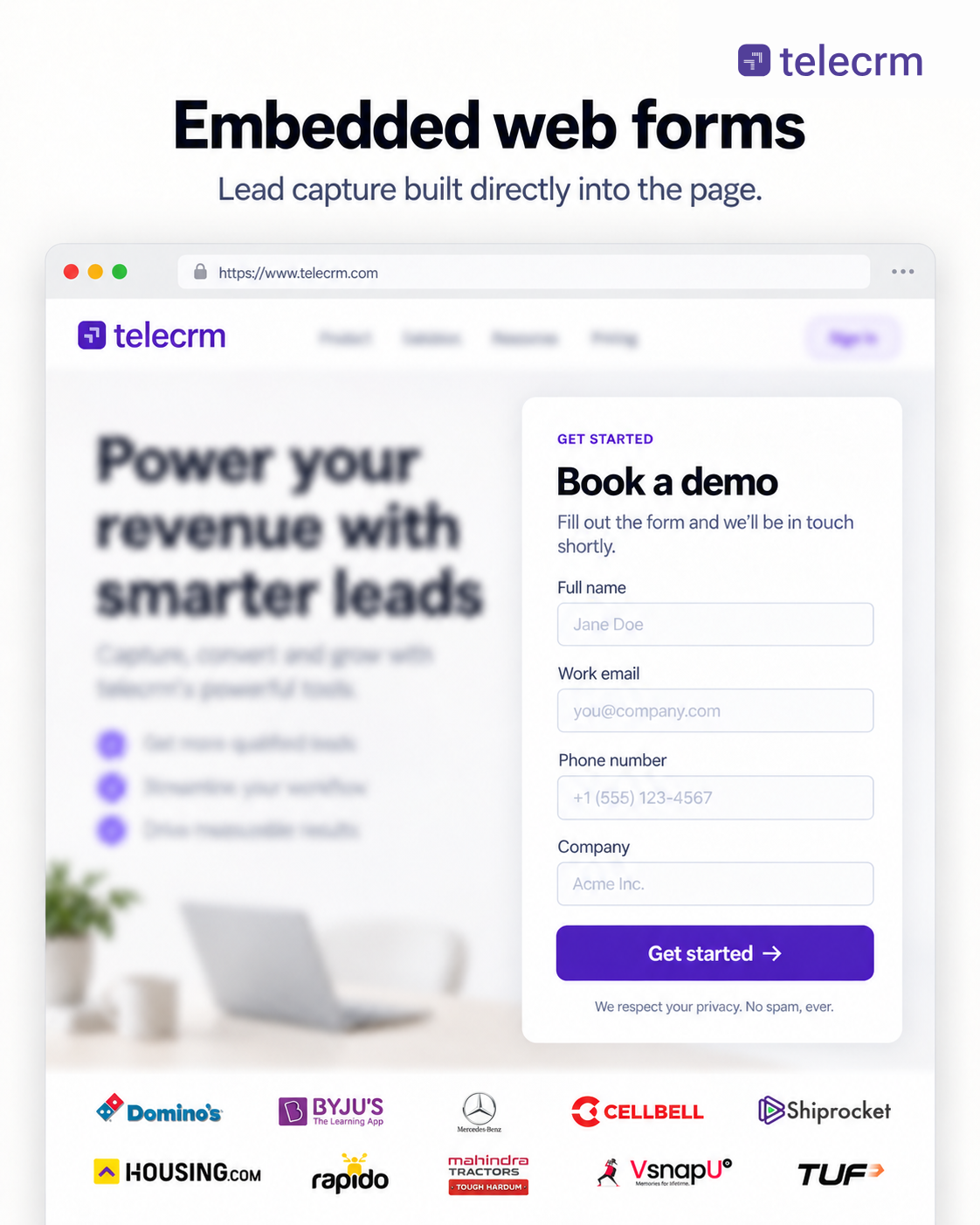
An embedded form sits permanently inside your content, such as a blog post footer or sidebar, using embedded forms to appear naturally within the page. It allows casual readers to subscribe or request information without interrupting their reading experience.
Best for: Blog updates, newsletter signups and general contact forms.
Why it works: It is low-pressure and non-intrusive for everyday readers, and placement inside relevant content helps collect contact information without interrupting the reader.
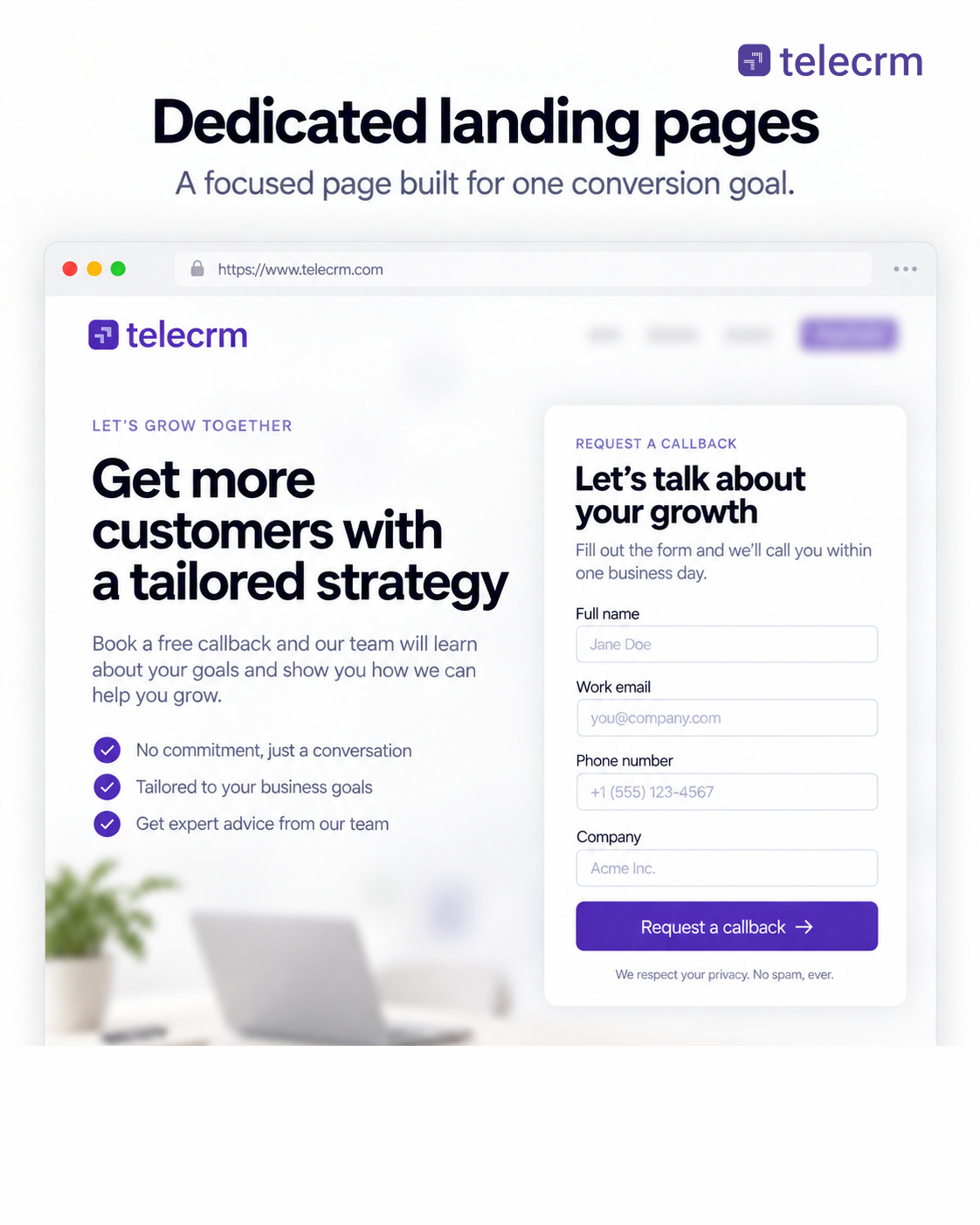
A landing page is a lead capture page built around one offer and one CTA. It removes navigation menus, external links and extra text so visitors have only one clear path: complete the form or leave and forms landing pages work best when the page and form closely match the offer.
Best for: Paid ad traffic, free software trials and webinar registrations.
Why it works: Zero distractions lead to significantly higher conversion rates and trust signals or social proof can further increase confidence on dedicated pages.
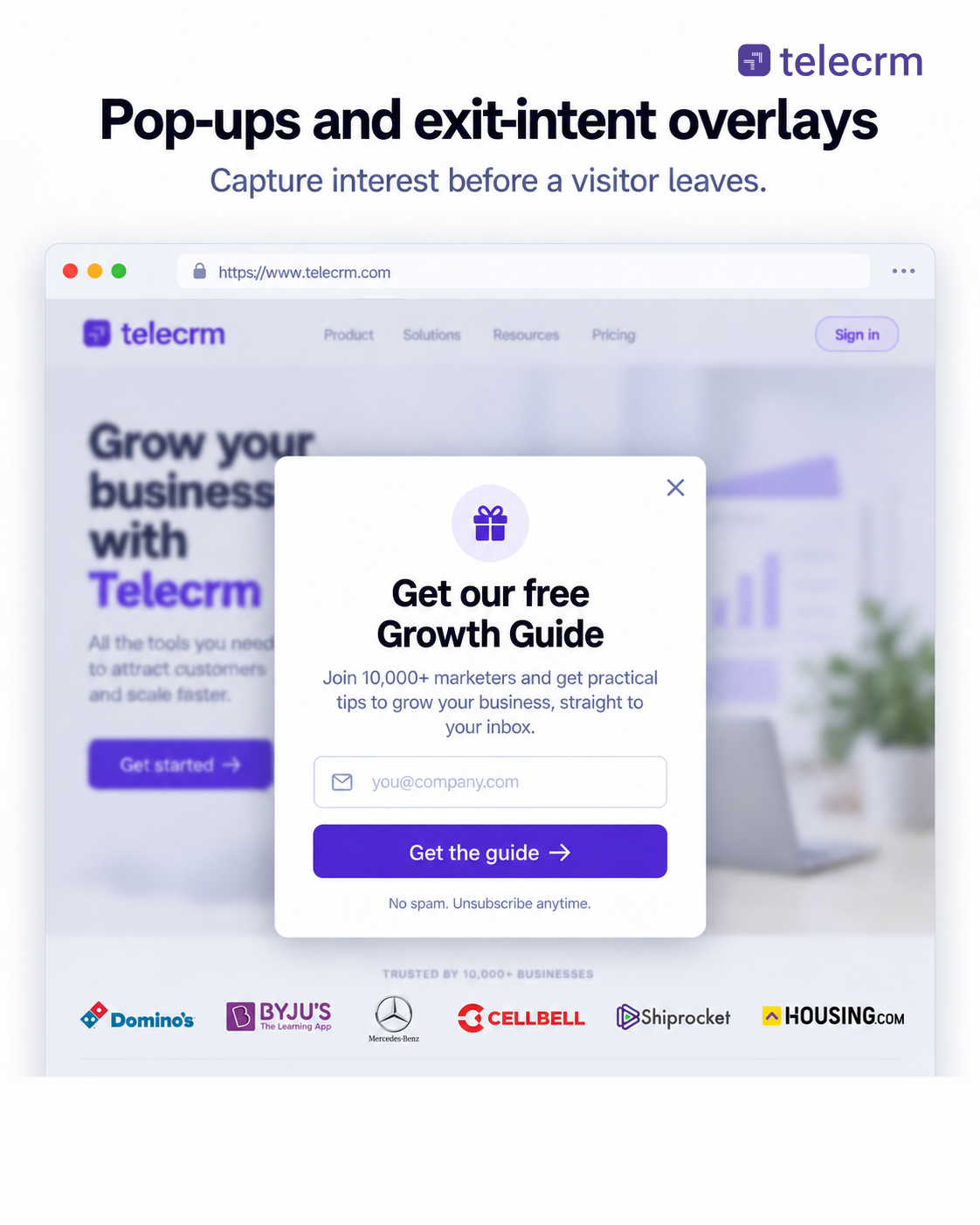
Website pop-ups appear over page content based on user behavior—like scrolling past a certain point or moving their mouse to close the browser tab.
Best for: Special discount codes, free downloadable guides and last-chance offers.
Why it works: Using behavioural triggers such as exit intent campaigns, they capture attention at the right moment and convert at an average rate of 6.88% for lead capture, including across e-commerce sites. This helps with capturing qualified leads from anonymous website traffic before they leave your site for good.
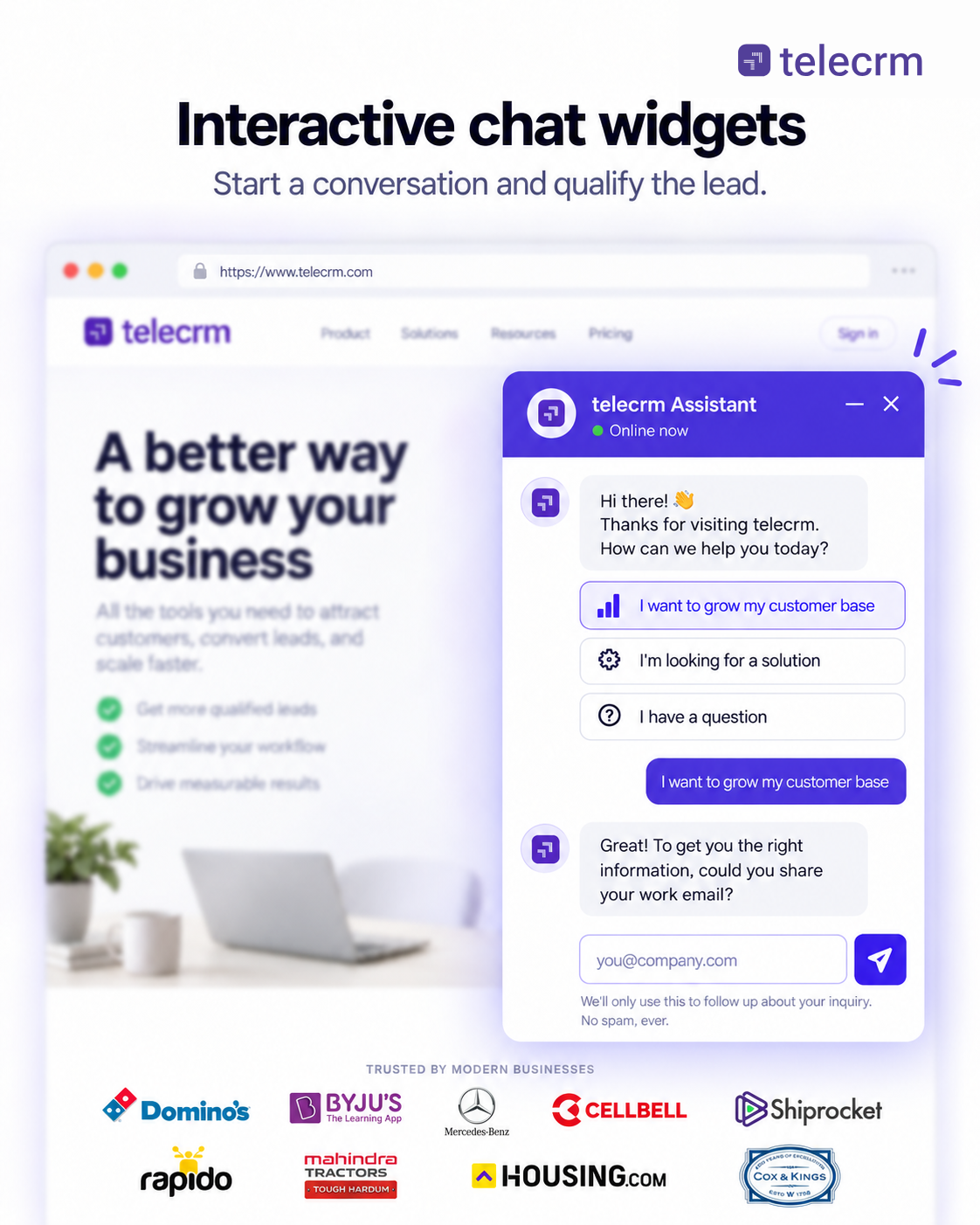
Chatbots and live chat widgets sit in the bottom corner of your screen, acting as conversational lead capture tools that qualify visitors 24/7 through quick, natural Q&A prompts instead of traditional static input fields.
Best for: Booking a demo request and answering quick pre-purchase questions.
Why it works: People prefer fast, direct communication over filling out long, formal forms.
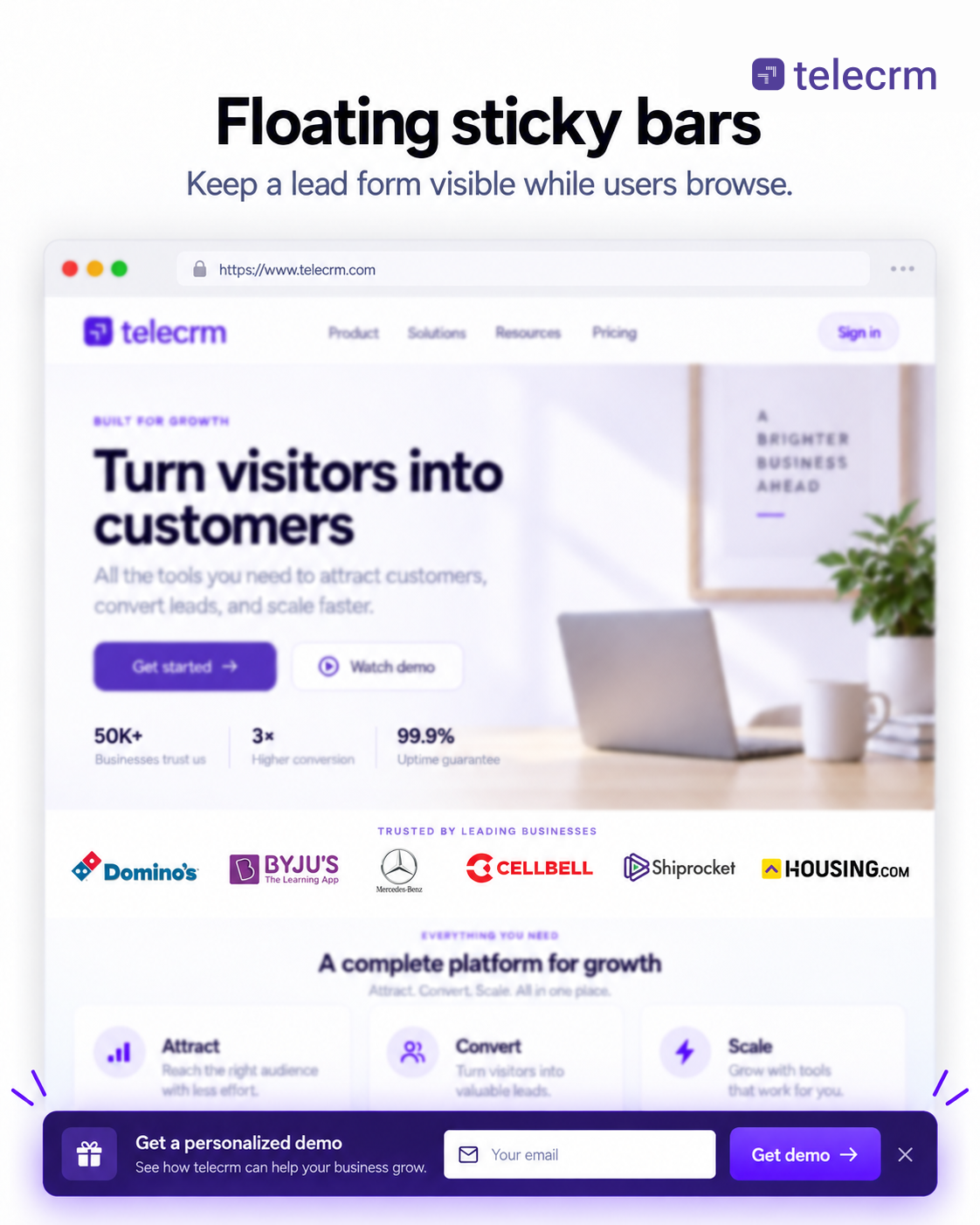
A sticky bar stays pinned to the top or bottom of the screen as users scroll. It keeps a single call-to-action visible at all times without blocking main page content.
Best For: Announcements, site-wide offers and driving traffic to core landing pages.
Why It Works: It offers continuous visibility on both desktop and mobile without annoying the user.
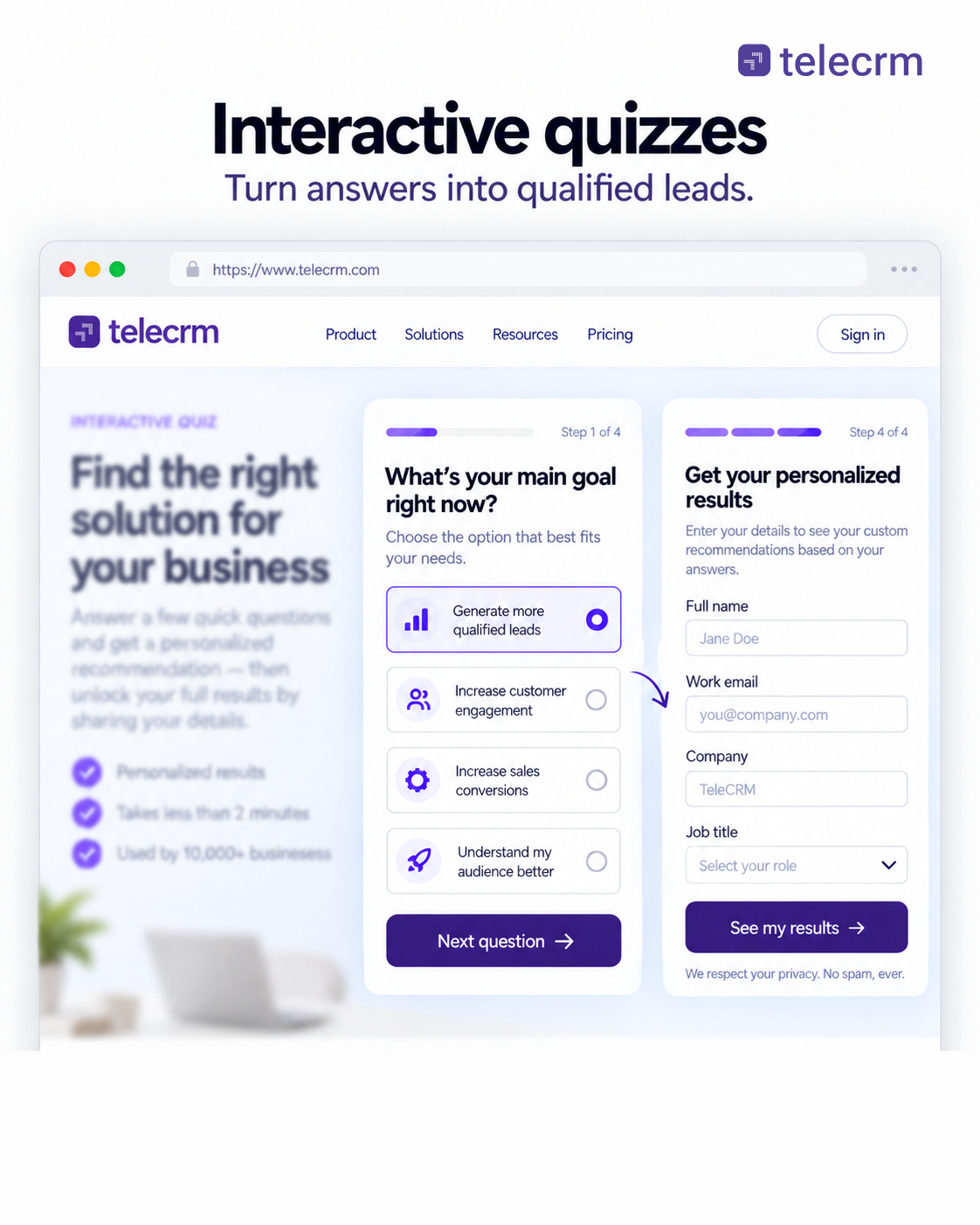
Interactive tools ask users targeted questions, like estimating ROI, testing skills or picking a product and use conditional logic to change questions based on prior answers before requesting an email address to send or reveal the final results.
Best for: B2B software, financial services and custom product recommendations.
Why it works: Custom insights provide high value, making visitors willing to share contact details, while progressive profiling helps gather more detail over time without asking everything at once.
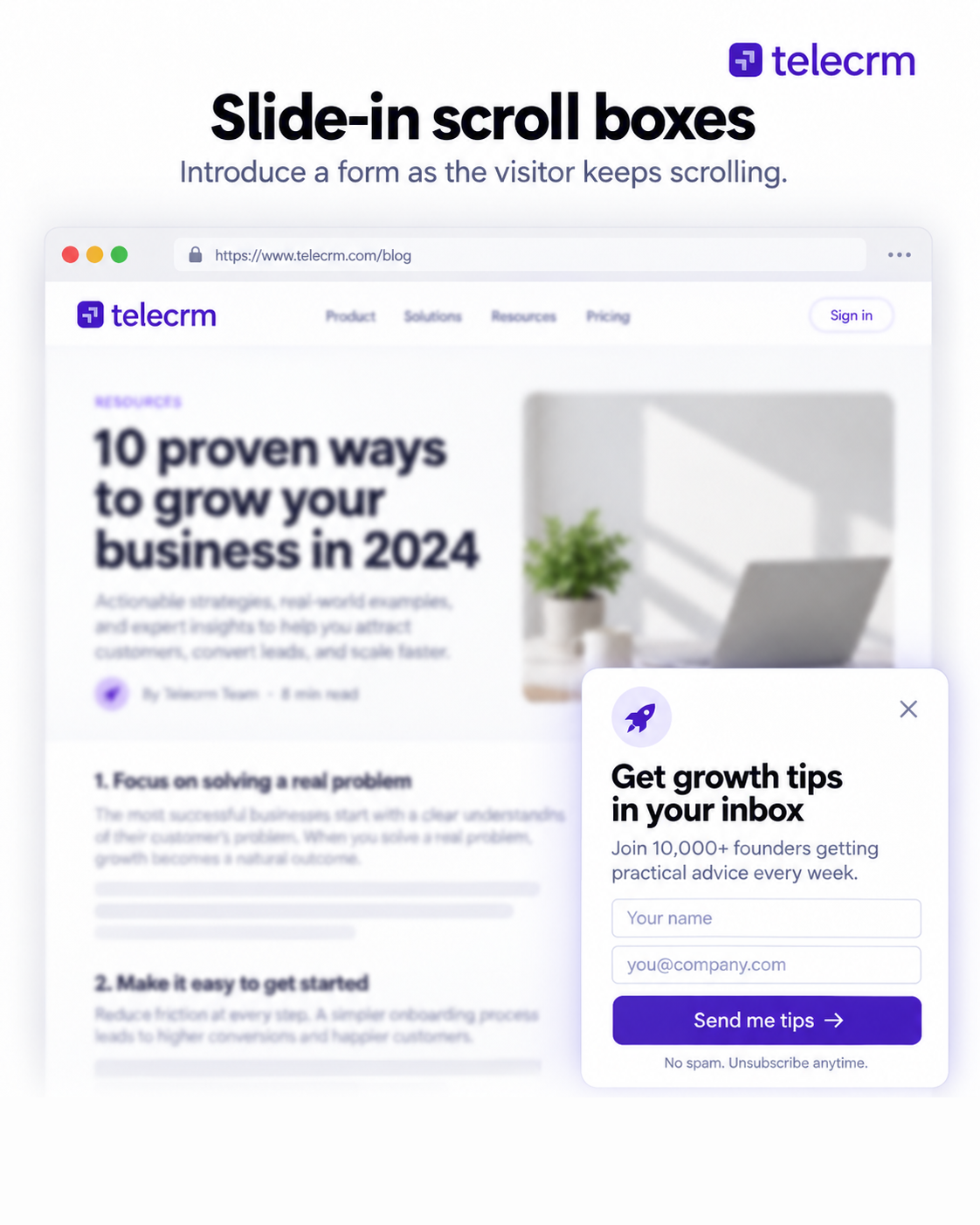
Unlike full-screen pop-ups, slide-ins gently glide into view from a bottom corner after a visitor reads through a specific percentage of a page.
Best for: Offering related downloadable content at the end of blog posts.
Why it works: It targets engaged readers right when they finish consuming your content, making email capture feel more natural after they’ve already engaged with the article.
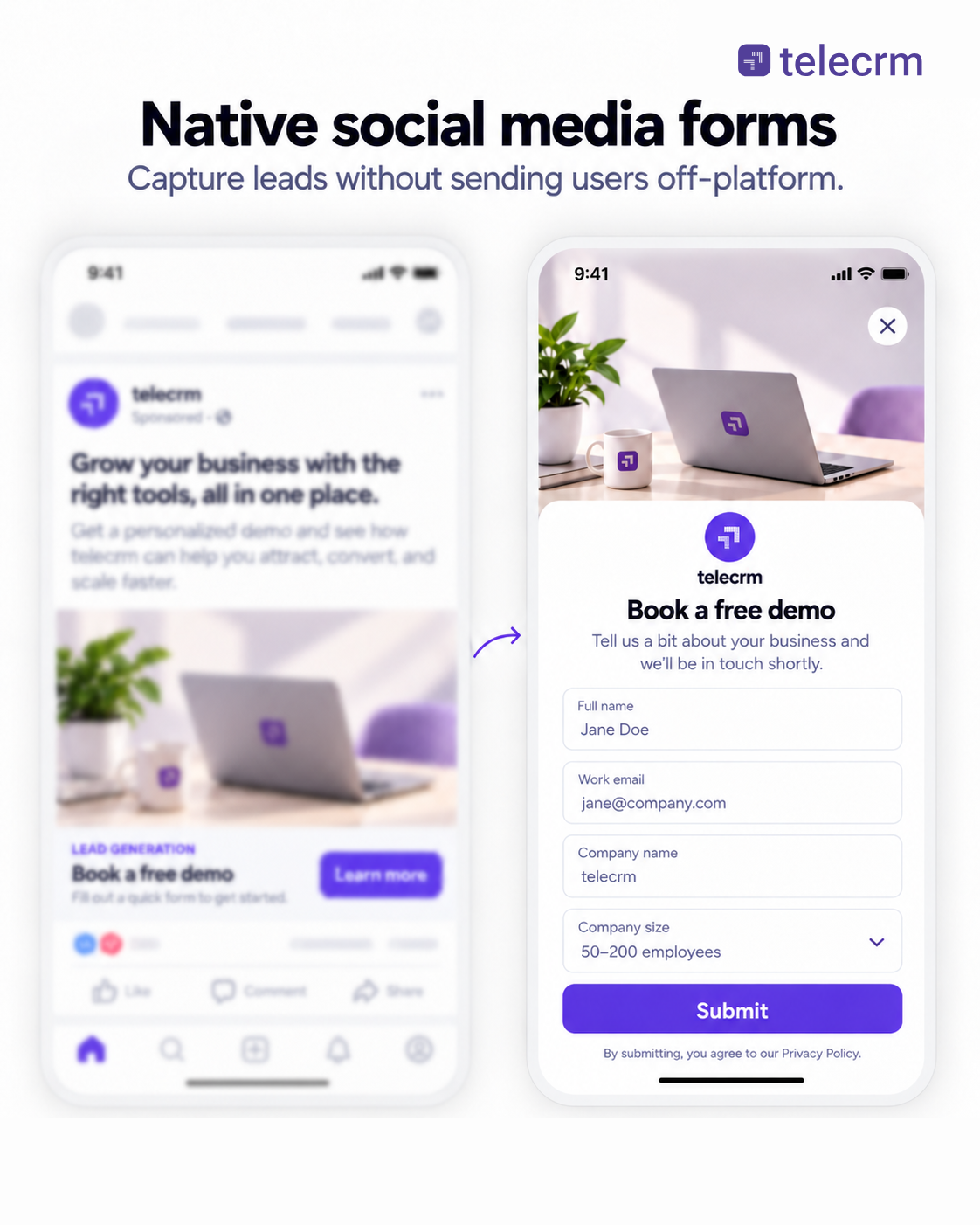
Social media lead ads (on platforms like LinkedIn, Facebook and Instagram) let users submit their details directly inside the social app using pre-filled profile data, which is especially useful as social media platforms keep changing reach and engagement patterns.
Best for: Mobile ad campaigns, event sign-ups and downloadable whitepapers.
Why it works: Auto-filled fields remove typing friction, turning submissions into a single click and helping drive more leads from mobile users.
The moment a prospect clicks “Submit,” a coordinated handoff takes place across your technology, your marketing engine and your sales team and new leads should move from capture into follow-up without delay because weak processes create missed opportunities.
Instead of waiting for a manual review, modern lead management relies on three simultaneous reactions to turn that raw data into a pipeline opportunity.
Before a human ever sees the lead, software completes three immediate tasks within milliseconds:
Not every lead is ready to buy right away. Marketing automation software grades the lead to determine the next step, helping teams prioritise more qualified leads instead of treating every contact the same:
The lead shows strong buying intent and is ready for a direct sales conversation.
The lead has shown interest but still needs more information or nurturing before speaking to sales.
Once sorted, the prospect receives a response tailored to their intent level across multiple channels:
Quick Read: Lead Response Time: How Fast Should Your Sales Team Follow-Up?
Capturing leads directly into a CRM like telecrm as part of your lead capture process prevents manual entry bottlenecks, helps most teams act faster on incoming leads, prevents lost leads and allows your sales reps to call prospects within seconds of sign-up. telecrm ( lead management software ) acts as a central hub, using automated methods to gather leads from all your sales channels into one CRM dashboard, which matters because CRM-based capture turns website traffic and other inbound sources into trackable contacts instead of lost demand:
telecrm natively connects with major lead-generation channels like Facebook Lead Ads, Instagram Ads, Google Ads and platforms like Justdial or IndiaMART and many more.
If you capture leads through your website, WordPress or custom landing pages using website and landing-page lead capture forms, telecrm receives those details instantly via custom webhooks or API integration.
Because telecrm is also for telecalling teams, it can auto-capture leads straight from phone calls and incoming WhatsApp messages.
If you want to capture leads on automation — here’s how you do it!
The days of tricking visitors into giving away their phone numbers for a basic PDF are long gone. Today’s buyers guard their private details, have zero patience for long forms and expect fast answers. To build a lead capture setup that actually works today, focus on these three simple truths:
Treat contact info like money: Every box you ask a visitor to fill out adds extra effort. If you ask for a phone number or job title, make sure your offer gives them real value in return right away.
Speed is everything: Getting someone’s details means nothing if that data sits in a spreadsheet for hours. Connecting your forms straight to a call system or CRM (like telecrm) so your team can reach out within minutes is what actually closes deals.
Make it feel like a conversation: Most people browse on their phones and hate typing out long forms. Simple tools like WhatsApp buttons or forms, quick interactive widgets and instant social media forms get far better results than old, boring contact pages.
Capturing a lead is only the first step. The ultimate goal isn’t just collecting contact details, it’s also organising them, following up relentlessly and converting those prospects into paying customers. Book a free demo with telecrm today to see how you can automate your lead capture, organise your follow-ups and turn more leads into sales with minimal effort.
Lead capture is the process of collecting contact details—such as names, phone numbers and email addresses—from interested website visitors or ad viewers. It turns anonymous traffic into identifiable sales prospects using forms, pop-ups, chat widgets or social media lead ads.
The 5-minute rule states that reaching out to a new lead within five minutes of form submission increases your chances of qualifying them by nearly 21 times compared to waiting 30 minutes. After 5 minutes, prospect interest drops sharply.
While platforms like HubSpot or Typeform are popular, telecrm is the best lead capture tool for telesales and direct outreach teams. It automatically pulls leads from Facebook ads, websites, Google Ads and WhatsApp into a mobile app, routing them to callers for instant follow-up.
telecrm captures leads automatically through direct integrations with Facebook, Instagram, Google Ads and directory listings like Justdial. It also connects to web forms via webhooks/APIs and logs new contacts directly from incoming phone calls and WhatsApp messages.
Use 3 to 5 fields for top-of-funnel offers like guides or newsletters to keep friction low. Only add extra fields (like budget or company size) for high-intent requests like custom demos or pricing quotes.
A lead capture form is a single element (the input boxes and button) used to collect user data. A landing page is an entire, standalone webpage designed around one offer, featuring a lead capture form as its main focal point.
You can block fake entries by using reCAPTCHA, enabling real-time email verification tools or requiring phone number OTP validation before the form submits.
Average conversion rates range between 2% and 5%. However, optimised landing pages with short forms or pre-filled social media lead ads can achieve conversion rates of 10% to 15% or higher.



© Copyright 2026 telecrm.in (Flamon Cloudtech Pvt Ltd) - All Rights Reserved • Privacy Policy • T&C



© Copyright 2026 telecrm.in - All Rights Reserved • Privacy Policy • T&C